 English
 Türkçe
 Русский
How to Login with Twitter Token
Twitter accounts purchased on our platform include a token. Follow the steps below to log in using the Chrome extension.
Video Tutorial
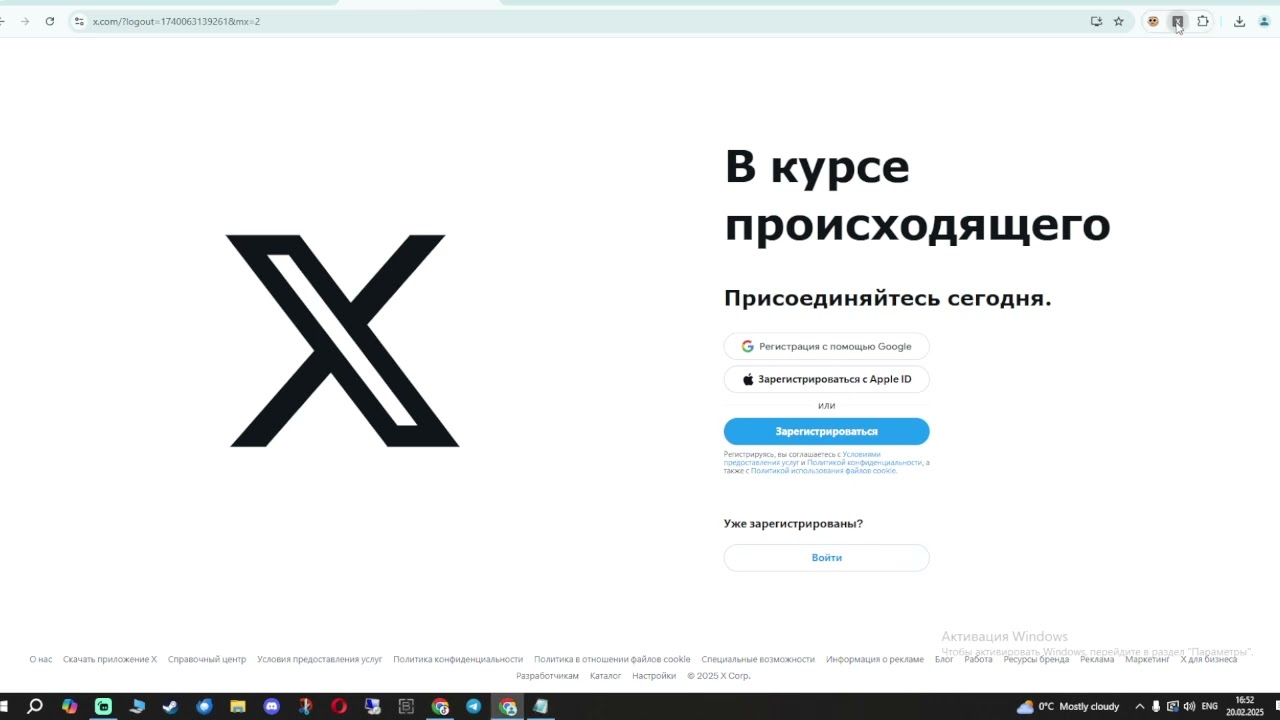
Required Chrome Extension
Twitter Token Login — Chrome Web Store
Step-by-Step Guide
1
Install the extension
Click the "Install Extension" button above and add "Twitter Token Login" to your Chrome browser.
2
Find your token
Open your purchased account details. The token is the value labeled "Token" in the account data (format: login:password:email:token or similar).
3
Open the extension
Click the Twitter Token Login icon in your Chrome toolbar.
4
Paste the token
Paste the auth_token value into the extension input field and click "Login".
5
You are logged in
The extension will automatically log you into the Twitter account. You can now use the account normally.
Important Notes
- Always use a proxy matching the account's registration country for best results.
- Do not change the account password or email immediately after logging in.
- Test the account within the 48-hour guarantee period.
- The extension only works on Chrome and Chromium-based browsers (Edge, Brave, etc.).